
If you are a student in 2026 and not using AI apps, you are honestly making studying harder than it needs to be. They are simple tools built to help students understand, learn faster, and save time.
In simple words, AI apps act like digital helpers. They explain topics, summarize notes, create quizzes, fix grammar mistakes, and save hours of effort. You do not need any technical background to use them. Most of these apps work just like chatting with a friend or clicking a button.
This article is written from personal experience and deep research. Everything shared here is student focused, practical, and easy to understand. If you have never used AI tools before, this guide will still make complete sense to you. By the end, you will clearly know which AI apps to use, how to use them, and why they matter.
Should School or College Students Use AI Apps?
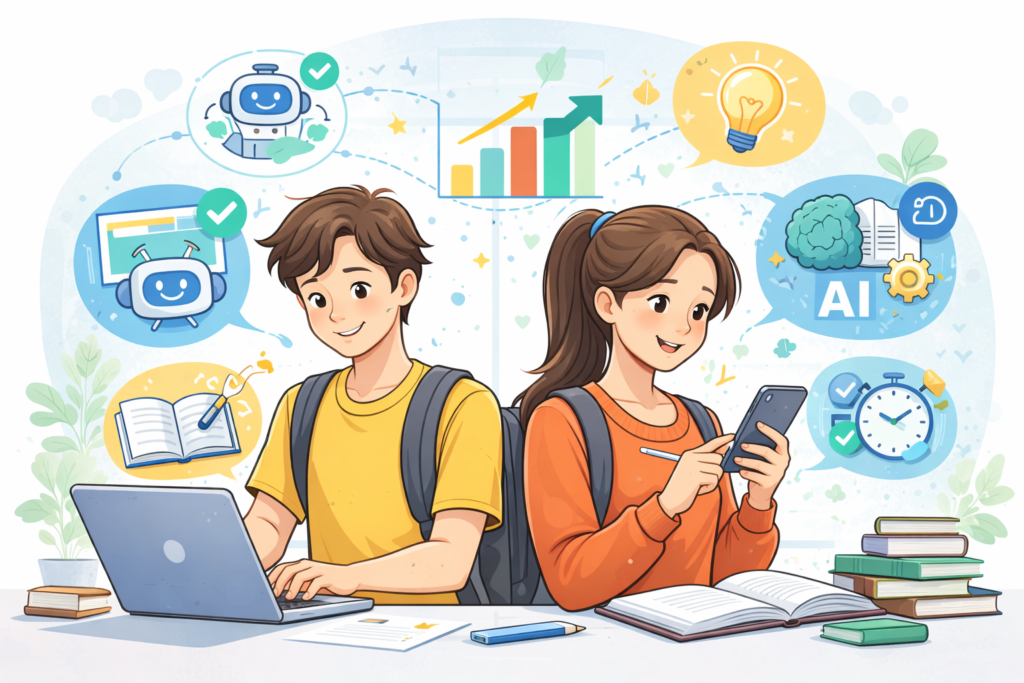
Yes, students should use AI apps, but in the right way. AI apps are tools, not shortcuts for cheating. When used properly, they help students understand concepts better and manage time efficiently.
Many students struggle because they do not get instant help when they need it. AI apps solve this problem. They are available anytime. You can ask questions late at night, revise topics before exams, or clarify doubts instantly.
The key point is this. AI should help you learn, not think for you. When used responsibly, AI apps become personal tutors, note helpers, and study partners.
Benefits of Using AI Apps for Learning
AI apps bring many real benefits to students across subjects and education levels.
First, they save time. Tasks like summarizing notes, creating flashcards, or checking grammar take minutes instead of hours. That time can be used for revision or rest.
Second, they improve understanding. AI can break complex topics into simple explanations. You can ask follow-up questions without feeling embarrassed or rushed.
Third, they support different learning styles. Some students learn better by reading, some by listening, some by practice. AI apps cover all of these.
Fourth, they reduce stress. Knowing you have help available anytime makes studying feel less overwhelming.
Most importantly, AI apps help students take control of their own learning.
1. Google NotebookLM
My Personal Research and Study Assistant
Google NotebookLM is one of the most useful AI study tools I have used so far.
This app is built to help students understand their own study materials, not random internet content.
That is what makes it powerful and safe for learning.
What Google NotebookLM Actually Does
NotebookLM lets you upload your study content.
This can be PDFs, Google Docs, class notes, research papers, or lecture transcripts.
Once uploaded, the AI studies only those files.
This means every answer comes from your material, not outside guesses.
How I Use NotebookLM for Studying
I upload one chapter or one subject at a time.
Then I ask simple questions like “Explain this topic in easy words”.
It gives clear explanations using my notes only.
I also ask it to summarize long chapters.
It reduces 30 pages into a clean and readable summary.
Key Student Benefits
- No distractions from irrelevant sources
- Accurate answers based on your syllabus
- Great for exam preparation and revision
- Perfect for research-based subjects
Study Features That Matter
NotebookLM can create:
- Summaries
- Question and answer notes
- Flashcards
- Study guides
This saves hours of manual work.
Free and Paid Plan Explained
The free plan is very generous.
| Feature | Free Plan |
|---|---|
| Notebooks | Up to 100 |
| Sources per notebook | Up to 50 |
| AI summaries | Included |
| Q and A | Included |
Most students do not need the paid version.
Why I Recommend It
If you struggle with understanding textbooks or research papers, this tool feels like a private tutor.
It does not confuse you.
It explains exactly what you need to know.
Google NotebookLM is a must-have AI app for students who study from PDFs and notes.
2. Studley AI
The Most Complete AI Study Coach I Have Used
Studley AI feels like an all-in-one study partner.
It does not focus on just one thing.
It helps with studying, revision, quizzes, and homework help.
What Studley AI Is
Studley AI turns your learning material into interactive study content.
You upload notes, slides, videos, or articles.
The app converts them into flashcards, quizzes, and tests.
How Studley Helps Me Study Better
I upload my class notes before exams.
Studley creates practice questions automatically.
It tells me which topics I have mastered and which ones I have not.
This helps me study smart instead of studying everything again.
Unique Learning System
Studley tracks learning in four levels:
- Unfamiliar
- Learning
- Familiar
- Mastered
This makes progress visible and motivating.
Homework Help Feature
Studley allows you to take a photo of homework questions.
It explains the solution step by step.
It focuses on teaching, not just answering.
Student Benefits
- Saves study time
- Improves memory with repetition
- Helps focus on weak areas
- Great for exam preparation
Free vs Paid Plan
Studley offers a free daily plan.
| Plan | What You Get |
|---|---|
| Free | Very limited access |
| Paid | Unlimited quizzes, tests, tutor mode |
The paid plan is affordable and optional.
Why I Recommend It
Studley feels like a personal coach.
It adapts to your pace.
It is especially useful before exams.
One of the best AI apps for study and revision.
3. ChatGPT
The Most Versatile AI Tutor for Students
ChatGPT is the AI app most students already know.
But many students still do not use it correctly.
When used properly, ChatGPT becomes a 24/7 tutor.
What ChatGPT Does for Students
ChatGPT answers questions in simple language.
You can ask follow-up questions.
You can ask for examples and explanations.
It explains topics like a patient teacher.
How I Use ChatGPT for Learning
I ask ChatGPT to explain concepts I did not understand in class.
I ask it to simplify topics.
I also ask it to quiz me before exams.
Study Mode Is a Game Changer
ChatGPT now includes Study Mode.
This mode does not just give answers.
Instead:
- It asks guiding questions
- It explains step by step
- It helps you think
This makes learning deeper.
Writing and Assignment Help
ChatGPT helps with:
- Essay outlines
- Idea brainstorming
- Grammar improvement
- Clarity suggestions
I use it to polish my writing, not replace it.
Free and Paid Access
ChatGPT has a strong free version.
| Plan | Details |
|---|---|
| Free | Basic AI help |
| Plus | Advanced AI, faster responses |
Most students are fine with the free version.
Why I Recommend It
ChatGPT is flexible.
It adapts to your questions.
It works for almost every subject.
One of the best AI learning apps for beginners.
4. Google Gemini
A Powerful AI Built into Google Tools
Google Gemini is Google’s advanced AI assistant.
It works with text, images, and documents.
This makes it very useful for students.
What Makes Gemini Different
Gemini understands images.
You can upload:
- Homework photos
- Notes
- Diagrams
It explains what it sees.
How I Use Gemini
I upload messy notes.
Gemini summarizes them clearly.
I upload diagrams and ask it to explain them.
This helps visual learners a lot.
Research and Study Support
Gemini can:
- Generate summaries
- Create quizzes
- Help with research
It works well with Google Docs and Drive.
Student-Friendly Access
Gemini has a free version.
Advanced features come with Google AI Pro.
Also, students often get discounts.
Why I Recommend It
If you already use Google products, Gemini fits naturally.
It feels like an extension of your study system.
Great for visual learning and research.
5. Brainly AI
Community Knowledge with AI Support
Brainly
Brainly combines AI with student knowledge.
It is especially helpful for homework questions.
How Brainly Works
Students ask questions.
AI and community members provide answers.
This creates multiple explanations.
How I Use Brainly
I use it when stuck on homework.
I read explanations, not just answers.
This helps me understand the logic.
AI Tutor and Test Prep
Brainly AI can:
- Generate practice questions
- Explain answers step by step
It encourages learning, not shortcuts.
Free and Paid Plan
Brainly is mostly free.
| Plan | Benefits |
|---|---|
| Free | Basic access |
| Plus | No ads, unlimited answers |
Very affordable for students.
Why I Recommend It
Brainly is great for quick help.
The community makes explanations clearer.
Overall, a reliable AI app for homework help.
6. Claude
The AI That Explains by Showing, Not Just Telling
Claude feels less like a chatbot and more like a smart study partner who actually shows how things work.
Instead of only explaining ideas in words, it often creates examples, mini demos, or simple models to make concepts clearer.
This makes learning feel practical and real, not theoretical.
What Makes Claude Stand Out for Students
Claude is especially good at breaking ideas into interactive examples.
If you are learning something abstract, Claude can turn it into a small simulation or example you can follow step by step.
For example, if someone is confused about how an algorithm works, Claude can write a small piece of code that shows how the logic runs.
You can see how values change, how decisions are made, and why the result looks the way it does.
How I Personally Use Claude
When I do not understand how a system works, I ask Claude to show it in action.
For subjects like computer science, economics, or logic-based topics, Claude creates simple working examples (with live preview) instead of long explanations.
If I am learning statistics, it can create a small example dataset and explain patterns using that data.
If I am learning programming, it can write short, readable code that demonstrates a concept clearly.
Learning Through Examples, Not Theory
Claude is great at:
- Turning ideas into real-world style examples
- Showing cause and effect clearly
- Helping visualize processes step by step
This makes it easier to remember and apply what you learn later.
Free and Paid Access
Claude offers a solid free version with daily limits.
| Plan | What It Offers |
|---|---|
| Free | Limited daily access |
| Pro | Higher usage and faster access |
Why Claude Feels Different
Claude focuses on learning by demonstration.
It helps you understand how things work, not just what they are.
For college students who learn better by seeing examples in action, Claude by Anthropic is one of the most effective AI apps available today.
7. Quizlet
Smarter Flashcards and AI-Powered Practice
Quizlet has been part of student life for years.
But now, with AI features, it has become much more powerful.
It is no longer just flashcards.
It is a complete AI study assistant.
What Quizlet Does for Students
Quizlet helps you memorize and revise information.
You can create flashcards or use millions of ready-made ones.
With AI, Quizlet now helps you understand, not just memorize.
How I Use Quizlet
I upload my notes or paste text.
Quizlet turns them into flashcards automatically.
I then use practice tests and quizzes to revise.
AI Features That Matter
Quizlet includes:
- AI tutor style chat
- Automatic summaries
- Practice tests
- Question generation
The AI asks questions instead of just showing answers.
Learning Benefits
- Improves memory
- Makes revision interactive
- Helps identify weak areas
- Reduces exam stress
Free and Paid Plan
Quizlet has a useful free version.
| Plan | What You Get |
|---|---|
| Free | Flashcards, limited AI |
| Plus | Full AI tools, expert solutions |
The paid plan is optional but helpful during exams.
Why I Recommend It
Quizlet is perfect for revision.
It is simple, visual, and effective.
One of the best AI study apps for exam preparation.
8. Perplexity
AI Search That Gives Clear Answers with Sources
Perplexity
Perplexity feels like a smarter version of Google.
Instead of links, it gives direct answers.
This is very helpful for students.
What Perplexity Does
You ask a question.
Perplexity gives a clear answer with sources.
This helps with research and assignments.
How I Use Perplexity
I use it when researching topics.
It saves time and avoids information overload.
I trust it more because it shows where information comes from.
Study and Research Benefits
- Quick topic understanding
- Reliable sources
- Less confusion
- Better research quality
It is especially useful for essays and projects.
Student-Friendly Features
Perplexity can:
- Summarize topics
- Answer follow-up questions
- Help with study material
It works like a research assistant.
Free and Paid Plan
Perplexity has a strong free version.
| Plan | Details |
|---|---|
| Free | Basic searches |
| Pro | Advanced AI, more searches |
Free plan is sufficient for most of the use cases.
Why I Recommend It
Perplexity helps you research faster.
It removes unnecessary noise.
9. Microsoft Copilot
Your Personal AI Assistant for Study, Work, and Daily Tasks
Microsoft Copilot is more than just an AI chatbot.
It is a personal AI assistant designed to help with learning, work, and daily tasks.
Copilot feels natural to use and understands context very well.
What Copilot Does
Copilot helps with:
- Studying
- Writing
- Creating visuals
- Learning through audio
- Everyday planning
It adapts to what you need at that moment.
How I Use Copilot
I use Copilot to explain topics simply.
I also use it to create summaries and draft content.
It feels like talking to a smart assistant who understands my goal.
Visual AI with Mico
Copilot includes Mico, a visual AI assistant.
Mico uses expressions and visuals to make learning interactive.
This makes study sessions feel more engaging and less boring.
Smart Learning Features
Copilot includes built-in learning tools:
- Flashcards for revision
- Quiz mode to test understanding
- Live learning with Mico
- Study help adjusted to your pace
This makes it suitable for beginners.
Work and Study Productivity
Copilot helps you:
- Draft emails and reports
- Create presentations
- Summarize information
- Translate and proofread
- Plan tasks and schedules
It saves time and reduces effort.
Voice Chat Support
You can talk to Copilot using voice.
This allows hands-free learning and idea brainstorming.
It feels natural and easy to use.
Why I Recommend It
Copilot makes tasks feel simpler.
It boosts confidence and creativity.
10. Canva

Create Professional Designs Without Design Skills
Canva is one of the easiest design tools for students.
With AI features, it becomes even better.
You do not need design experience.
What Canva Helps With
Canva helps you create:
- Presentations
- Posters
- Infographics
- Reports
AI makes this faster and easier.
How I Use Canva
I use it for presentations and project visuals.
AI helps generate layouts and text ideas.
It makes my work look professional.
AI Features That Help Students
Canva AI can:
- Generate text
- Suggest designs
- Create layouts automatically
This saves a lot of effort.
Learning and Presentation Benefits
- Better visual learning
- Clear communication
- Higher quality projects
This is great for group assignments too.
Free and Paid Plan
Canva has a strong free version.
| Plan | Features |
|---|---|
| Free | Templates, basic AI |
| Pro | Full AI tools, premium designs |
Why I Recommend It
Canva makes learning visual.
It improves presentation quality instantly.
11. Otter AI
Never Miss a Lecture or Important Point Again
Otter.ai is one of the most helpful Artificial Intelligence tools for students who attend lectures.
It listens to spoken words and turns them into written notes.
This alone can reduce a lot of study stress.
What Otter.ai Does
Otter records lectures, meetings, or group discussions.
It converts speech into text in real time.
You get written notes automatically.
How I Use Otter.ai
I use Otter during live lectures.
Instead of writing everything, I listen carefully.
Later, I review the transcript and highlight key points.
Why This Helps Students
- No fear of missing information
- Better focus during class
- Easy revision later
It feels like having a personal note-taker.
Smart Features That Matter
Otter can:
- Identify speakers
- Highlight important parts
- Create short summaries
You can also search within notes.
Free and Paid Plan
Otter has a useful free version.
| Plan | What You Get |
|---|---|
| Free | Limited monthly minutes |
| Pro | More recording time, advanced features |
Students can use free version for selective classes.
Why I Recommend It
Otter is perfect for lecture-heavy courses.
It helps you review content accurately.
Altogether, a must-have AI app for school or college students who rely on lectures.
12. Speechify
Turn Reading into Listening and Save Time
Speechify converts written text into audio.
It reads documents out loud using natural voices.
This changes how students consume study material.
What Speechify Does
Speechify reads:
- PDFs
- Articles
- Notes
- Web pages
You listen instead of reading.
How I Use Speechify
I paste my notes into Speechify.
I listen while walking or resting.
This helps me revise without staring at screens.
Learning Benefits
- Saves reading time
- Reduces eye strain
- Helps auditory learners
It turns idle time into study time.
AI Features Students Appreciate
Speechify allows:
- Speed control
- Voice selection
- Scanning text from images
It also summarizes content in premium plans.
Free and Paid Plan
Speechify has a free option.
| Plan | Details |
|---|---|
| Free | Basic voices, limited speed |
| Premium | Natural voices, fast speed, summaries |
Free version is enough for light use.
Why I Recommend It
Speechify is great for revision.
It makes studying more flexible.
A super useful AI learning app for multitasking students.
13. Photomath
Learn Math Step by Step Using Your Camera
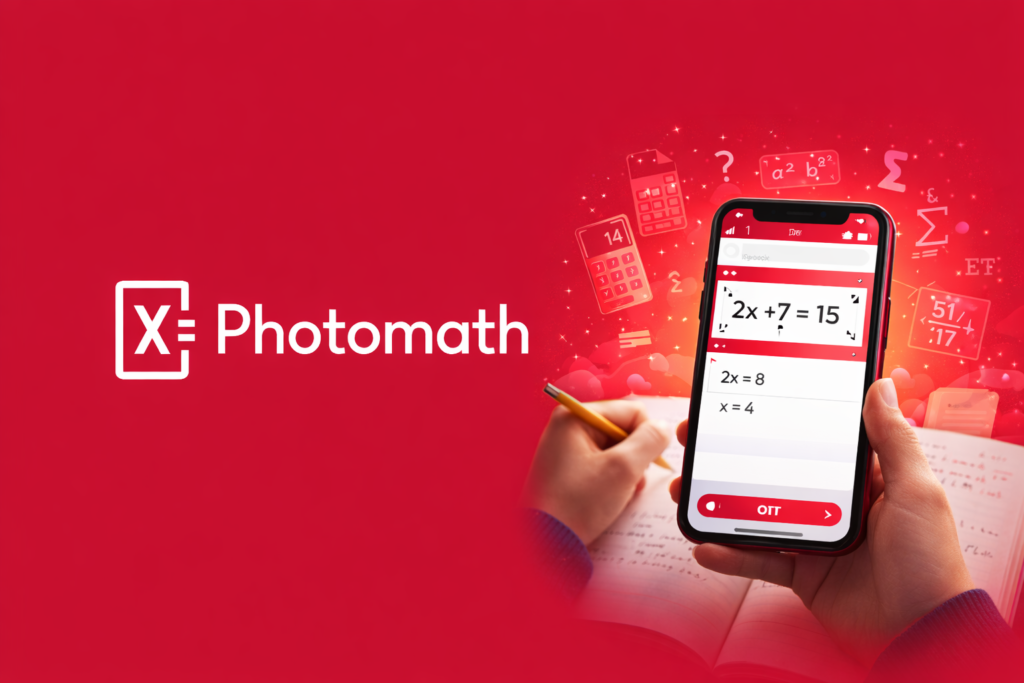
Photomath is one of the most popular AI tools for math students.
It solves math problems using your phone camera.
More importantly, it explains every step.
What Photomath Does
You scan a math problem.
Photomath shows the solution.
It also explains how the answer is reached.
How I Use Photomath
I try solving problems myself first.
Then I scan them to check my steps.
This helps me understand mistakes.
Subjects It Covers
Photomath works for:
- Arithmetic
- Algebra
- Geometry
- Calculus
It supports both printed and handwritten problems.
Learning Benefits
- Improves problem-solving skills
- Builds confidence in math
- Reduces frustration
It is a learning tool, not just an answer tool.
Free and Paid Plan
Photomath offers strong free access.
| Plan | Features |
|---|---|
| Free | Step-by-step solutions |
| Plus | Extra explanations, more methods |
Most students can rely on the free version.
Why I Recommend It
Photomath explains math clearly.
It makes difficult problems manageable.
One of the best AI apps for homework help in math.
14. Grammarly & Quillbot
Write Clearly, Confidently, and Correctly
Grammarly and QuillBot are powerful writing tools.
They help students improve writing quality.
I often use both together.
What Grammarly Does
Grammarly checks:
- Grammar
- Spelling
- Sentence clarity
- Tone
It works while you write.
What QuillBot Does
QuillBot helps with:
- Paraphrasing
- Rewriting sentences
- Summarizing text
It improves flow and readability.
How I Use Them
I write my assignment first.
Then I use Grammarly to correct mistakes.
I use QuillBot to rewrite unclear sentences.
Student Benefits
- Better essays
- Fewer grammar mistakes
- Clearer ideas
They help you learn from corrections.
Free and Paid Plans
Both tools offer free versions.
| Tool | Free Use | Paid Benefits |
|---|---|---|
| Grammarly | Basic checks | Advanced suggestions |
| QuillBot | Limited paraphrasing | Full modes, longer text |
Free versions are enough for basic needs.
Why I Recommend Them
They improve writing quality fast.
They are essential for assignments.
Must-have AI tools for students who write often.
15. Notion (with Notion AI)
Organize Your Entire Study Life in One Place
Notion
Notion is more than a notes app.
It is a complete organization system for students.
With AI, it becomes even smarter.
What Notion Does
Notion helps you:
- Take notes
- Plan tasks
- Track assignments
- Store study material
Everything stays organized.
What Notion AI Adds
Notion AI can:
- Summarize notes
- Rewrite content
- Create outlines
- Improve clarity
It works inside your notes.
How I Use Notion
I store all my class notes in Notion.
I use AI to summarize long pages.
This saves revision time.
Why Students Love It
- Keeps everything in one place
- Reduces clutter
- Improves focus
It feels like a digital study planner.
Free and Paid Access
Notion itself is free for students.
Notion AI has limited free access.
Paid plans unlock more AI usage.
Why I Recommend It
Notion helps manage academic life.
AI makes notes more useful.
FAQs – Common Questions Students Have About AI Study Apps
Are AI apps actually useful for students?
Yes, AI apps are genuinely useful when used the right way.
They help students understand topics faster and with less stress.
Instead of feeling stuck, you get instant explanations and guidance.
AI apps do not replace learning.
They support learning by making concepts clearer and study time more efficient.
Can students with zero AI knowledge use these apps?
Absolutely yes.
All the AI apps discussed in this article are built for beginners.
You do not need any technical knowledge to use them.
Most apps work by simply typing a question, uploading notes, or clicking a button.
If you can use a smartphone or laptop, you can use these apps easily.
Will using AI tools make students lazy?
Only if they are misused.
When used properly, AI apps actually improve learning habits.
Students who use AI to understand concepts, revise better, and practice more often become more confident and independent learners.
Problems arise only when students copy answers without learning.
Is it safe to use AI apps for school and college work?
Yes, it is safe as long as you follow academic rules.
Using AI for explanations, summaries, grammar checks, and practice is widely accepted.
You should avoid submitting AI-generated content as your own final work unless your institution allows it.
Always treat AI as a helper, not a shortcut.
Do students need to pay for AI apps?
Not necessarily.
Most AI apps mentioned in this article offer strong free versions.
Free plans are enough for:
- Daily studying
- Homework help
- Revision
- Note organization
Paid plans are optional and useful only if you need advanced features or heavy usage.
Which type of student benefits the most from AI apps?
Almost every student can benefit, but especially:
- Students who struggle with understanding concepts
- Students preparing for exams
- Students with heavy reading or writing workloads
- Students who want better organization
AI adapts to your pace, which is something traditional learning often cannot do.
Can AI apps help with exam preparation?
Yes, very effectively.
Many AI apps create practice questions, summaries, and revision notes.
They help identify weak areas and focus revision where it matters most.
This makes exam preparation more targeted and less overwhelming.
Will AI-powered apps replace teachers in the future?
No.
AI apps cannot replace human teachers.
Teachers guide, inspire, and understand students emotionally.
AI tools only support learning by offering extra help outside class hours.
The best learning happens when teachers and AI tools work together.
How should students start using AI-powered apps without feeling overwhelmed?
Start small.
Pick one app based on your biggest problem.
If you struggle with notes, try Otter or Notion.
If you struggle with understanding, try ChatGPT or Claude.
If you struggle with revision, try Quizlet or Studley.
Once comfortable, slowly add more tools.
Final Thought for Students
AI apps are not magic.
But when used correctly, they make learning simpler, calmer, and more effective.
The goal is not to study more hours.
The goal is to study smarter.
If you treat AI as a learning partner, not a shortcut, it can completely change how you learn.